May 22, 2025

Framer vs other tools: what makes the difference?

What sets Framer apart from Webflow, Wix or Figma? Here's why it's unique for modern creators.
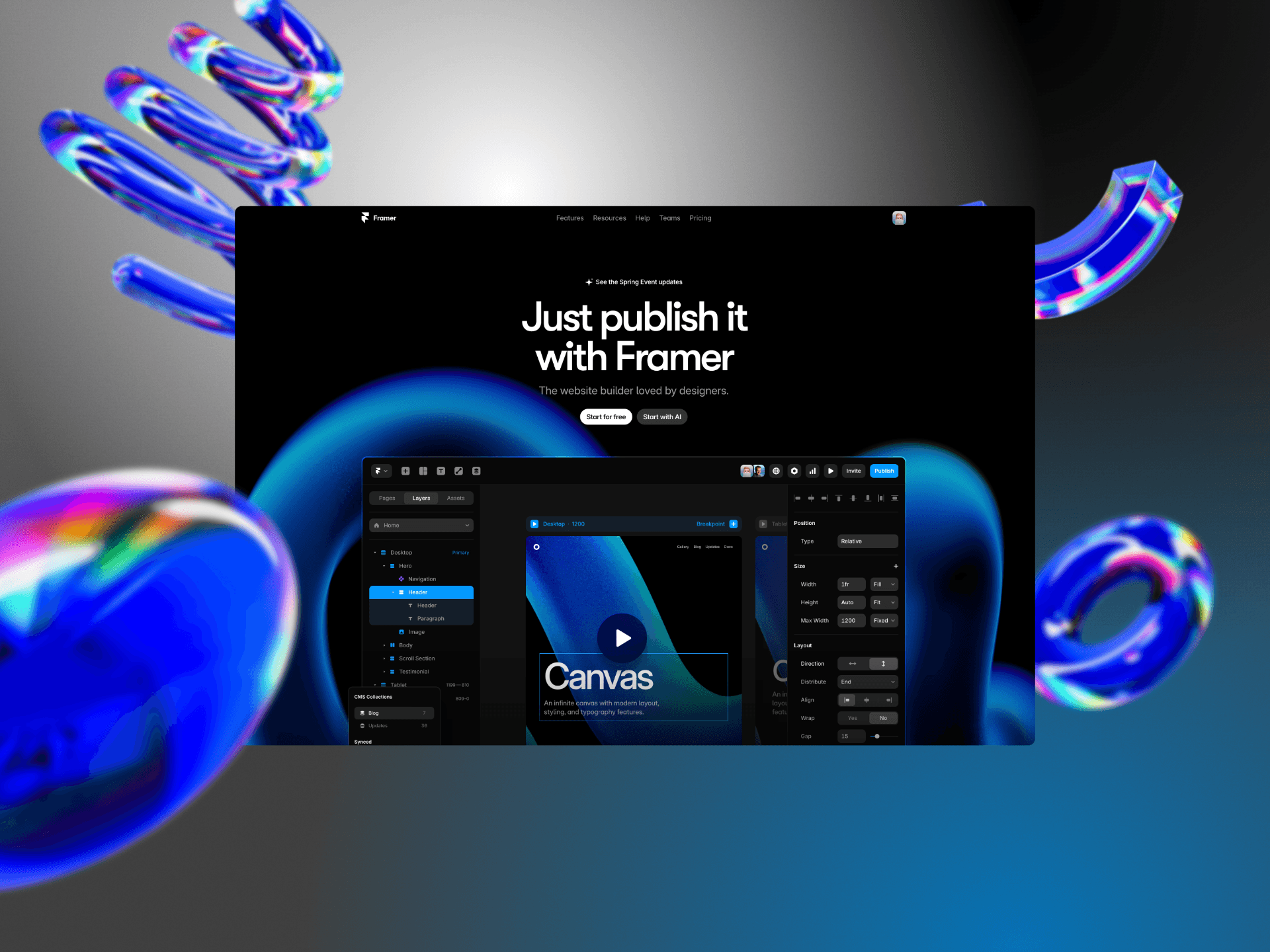
There are many website tools out there — Webflow, Wix, Figma + dev handoff… So what makes Framer stand out?

Here’s what really changes the game, from my point of view as a Framer Expert.


1. True design-to-live

Framer doesn’t stop at prototyping. What you see is what gets published — no back and forth between design and development.


2. Fast learning curve

Compared to Webflow’s complex UI, Framer feels simpler and more intuitive. Responsive design, animations, and structure are all handled visually.


3. Built-in performance

Sites built with Framer are fast, responsive, and SEO-friendly — with no need for extra plugins or tech hacks. Everything is optimized by default.


4. A growing ecosystem

Templates, components, a vibrant community — and platforms like DeepFrame make Framer even more accessible and useful every day.


Framer isn’t meant to replace every tool. But for landing pages, portfolios, and showcase sites, it’s probably the most fluid and modern option right now.

English
English
Social medias

X/Twitter

Instagram

Dribbble

Linkedin

Legals

Privacy policy

Terms of service

License agreements

Affiliate Disclosure

Premium Framer Templates & Resources

English

Everything you need
to know before buying

How does it work? Can you reuse a template? What’s included? This FAQ covers everything about DeepFrame templates, components, licensing and support.

What happens after I purchase a template?

Once your purchase is complete, you’ll receive a link to duplicate the template directly into your Framer account. You can start customizing it right away — no installation needed.

Are the templates fully customizable?

Yes — all templates are 100% customizable. You can edit fonts, colors, sections, animations, and layouts directly in Framer’s visual editor, with no coding required.

What’s included in each component?

Each component comes with its full layout, built-in animations (if any), and editable elements — ready to be integrated into any of your Framer projects.

Are updates included with the templates?

Yes — all templates come with free lifetime updates. You’ll be notified whenever a new version is released.

How does the licensing work?

Each purchase includes a license for single use only. If you want to use the template for multiple projects or clients, you’ll need to purchase additional licenses.

Is there any help for getting started?

Yes — each template includes a quick-start guide to walk you through the setup, even if you’re new to Framer. As a bonus, you’ll also get a promo code for 3 free months of Framer Pro on an annual plan.

What happens after I purchase a template?

Once your purchase is complete, you’ll receive a link to duplicate the template directly into your Framer account. You can start customizing it right away — no installation needed.

Are the templates fully customizable?

Yes — all templates are 100% customizable. You can edit fonts, colors, sections, animations, and layouts directly in Framer’s visual editor, with no coding required.

What’s included in each component?

Each component comes with its full layout, built-in animations (if any), and editable elements — ready to be integrated into any of your Framer projects.

Are updates included with the templates?

Yes — all templates come with free lifetime updates. You’ll be notified whenever a new version is released.

How does the licensing work?

Each purchase includes a license for single use only. If you want to use the template for multiple projects or clients, you’ll need to purchase additional licenses.

Is there any help for getting started?

Yes — each template includes a quick-start guide to walk you through the setup, even if you’re new to Framer. As a bonus, you’ll also get a promo code for 3 free months of Framer Pro on an annual plan.

What happens after I purchase a template?

Once your purchase is complete, you’ll receive a link to duplicate the template directly into your Framer account. You can start customizing it right away — no installation needed.

Are the templates fully customizable?

Yes — all templates are 100% customizable. You can edit fonts, colors, sections, animations, and layouts directly in Framer’s visual editor, with no coding required.

What’s included in each component?

Each component comes with its full layout, built-in animations (if any), and editable elements — ready to be integrated into any of your Framer projects.

Are updates included with the templates?

Yes — all templates come with free lifetime updates. You’ll be notified whenever a new version is released.

How does the licensing work?

Each purchase includes a license for single use only. If you want to use the template for multiple projects or clients, you’ll need to purchase additional licenses.

Is there any help for getting started?

Yes — each template includes a quick-start guide to walk you through the setup, even if you’re new to Framer. As a bonus, you’ll also get a promo code for 3 free months of Framer Pro on an annual plan.

Premium Framer Templates & Resources

Looking for something tailored?

Made with live on

Looking for something tailored?

Made with live on

Premium Framer Templates & Resources

Premium Framer Templates & Resources

Looking for something tailored?

Made with live on

Create a free website with Framer, the website builder loved by startups, designers and agencies.